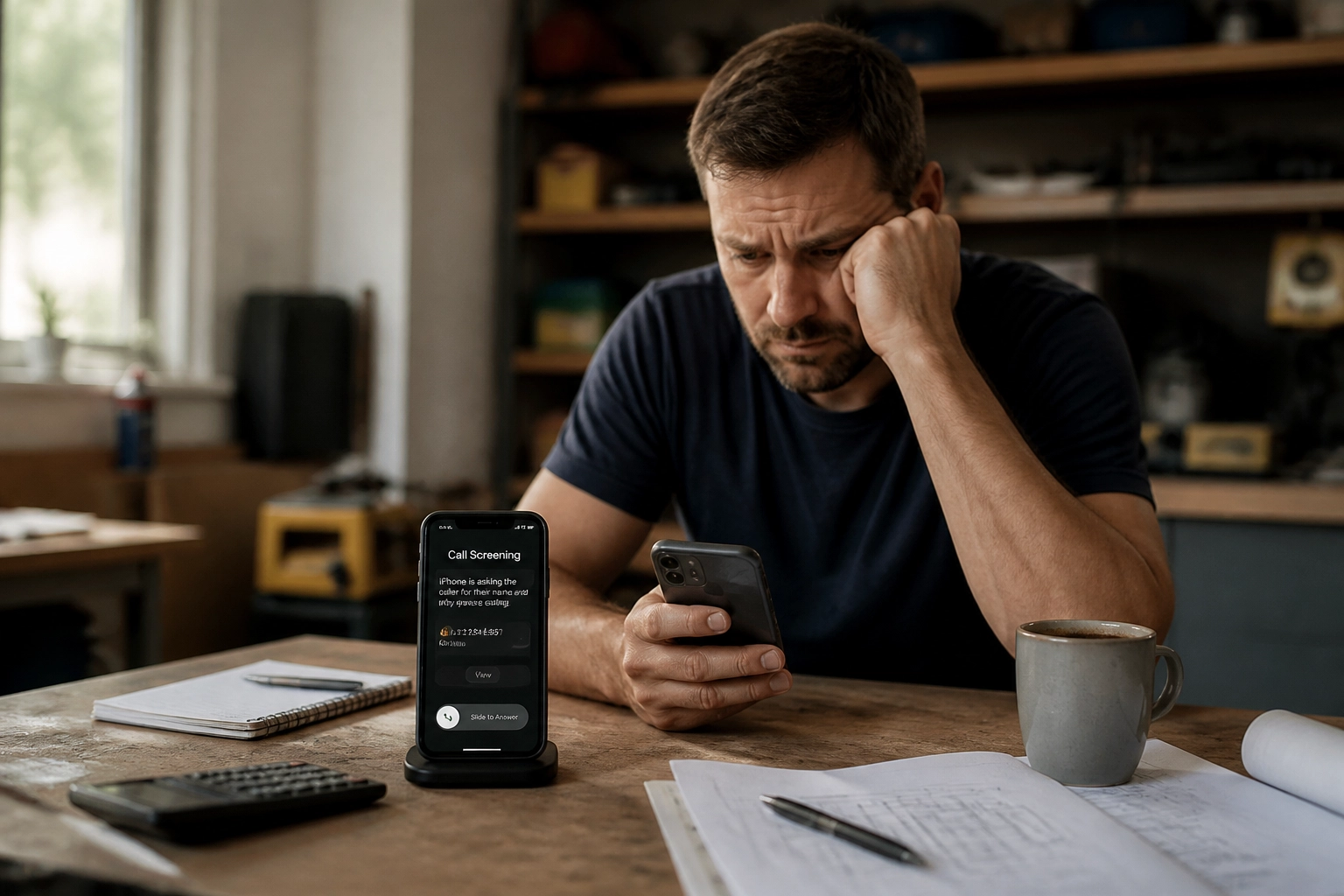
Picture a plumber under a house with a torch in one hand and a wrench in the other. Their phone rings in their pocket. They cannot get to it. Life goes on, and they assume the caller will ring back or leave a message.
Except this time the caller never heard a normal ring. They got a recorded voice asking them to say their name and explain why they were calling. So they hung up and rang the next plumber on the list.
That is call screening on iPhone, and for a lot of tradies it is quietly costing work they never find out about.
What call screening on iPhone actually does
Apple brought call screening to the iPhone with iOS 26. When it is switched on, unknown numbers no longer reach you straight away. Instead of your phone ringing, the caller hears a prompt asking them to say who they are and what they want.
On your end, your phone stays quiet during that first part. Once the caller starts talking, a live transcript appears on your screen so you can read what they are saying as they say it. From there you can answer, decline, or hold the caller while you read a bit more.
There are three settings, and it is worth knowing which one you are on:
Ask Reason for Calling screens unknown numbers and shows you the transcript
Silence sends unknown numbers straight to voicemail without a single ring
Never turns screening off
The first one is the default, so plenty of people end up screened without ever choosing it.
Why this hits tradies harder than most
Most tradie work starts with a phone call, and the person calling is usually ready to spend money today.
A homeowner with water coming through a ceiling is not in the mood to explain themselves to a recorded voice. They want a human, or at least a straight answer, quickly. When a robot picks up instead, a good number of them simply hang up and try the next number on the list.
The sting is that you often never see it as a missed call. Your phone never rang, so there is nothing sitting in your call history to remind you to ring back. The job just disappears, and you never know it existed.
Three things you can do about it
First, check your setting. Open Settings, go to Phone, then Screen Unknown Callers, and read what is selected. If your work comes from numbers you have never saved, which it does, then screening or silencing them is a costly default.
Second, make sure you are easy to find. If most of your jobs come from repeat customers, referrals and people who already have you saved, screening barely touches you. Reviews and a tidy Google listing keep your name in front of the people who already know you.
Third, get something to answer the calls you miss.
The part screening cannot fix
Turning screening off helps, and you should still do it. But it does not solve the real problem, which is that you are on a roof, under a floor or up a ladder, and your hands are full.
The real problem is not the ring. It is that nothing happens after the ring stops.
Swoopd works on exactly that gap. When you do not pick up, Swoopd replies to that caller on WhatsApp within seconds, and it has a proper conversation with them, in writing, on WhatsApp.
It asks what the job is, how urgent it is, and where it is. A blocked toilet on a Friday night gets handled one way. A quote for a bathroom reno next month gets handled another way. Then it books the job into your calendar and dashboard and sends you the details, so you come off the tools and see a job waiting, not a missed call and a guess.
A few things worth knowing:
It works alongside the mobile number you already have. No new phone, no second SIM, and no hardware to install.
Website form and email enquiries get caught the same way, so nothing sits unanswered overnight.
It can suggest appointment times that make sense with where the job is and what you already have booked.
On the Pro and Business plans it connects with Xero, so invoicing and payments sit with your books.
Every lead stays in one dashboard instead of being spread across missed calls, texts and a notebook in the ute.
Worth a test
Swoopd is live across New Zealand now, costs from NZ$97 a month, and there is a 14 day free trial.
If call screening has taught you anything, it is that the calls you never heard about are the expensive ones. Let Swoopd cover a few missed calls and see what comes back.